FeaturesTeam Communication

Team Communication

A chat for every team, run by its coaches, plus team messages by email to the whole team or a saved group. Everyone gets it on their phone, and the AD can see every chat.

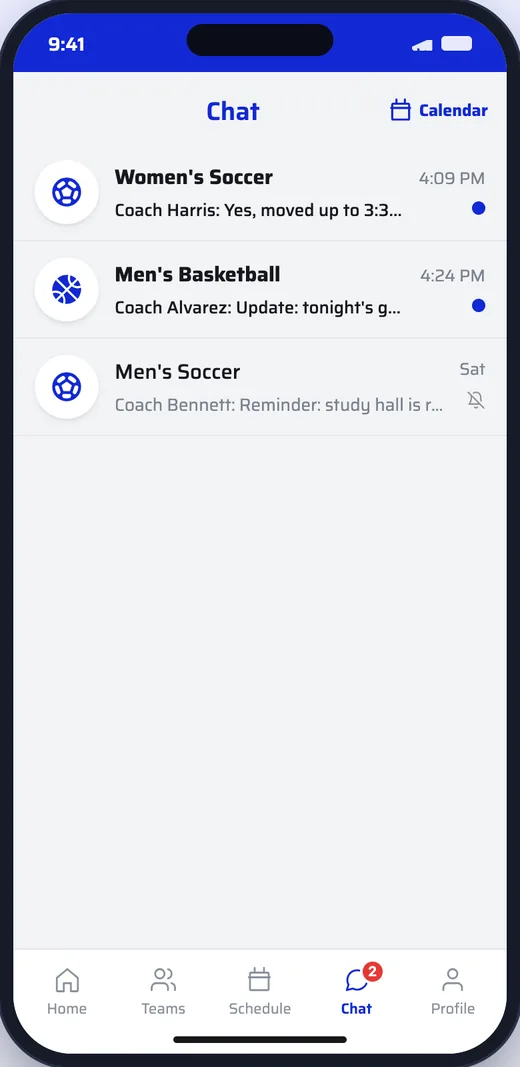
Chat list with three team chats and unread markers
How It Works
  1. 1

    Switch on team chat

    Turn it on for your school from the dashboard. Each team gets its own chat.

  2. 2

    Coaches bring in the team

    Coaches invite players and parents by email or text and run the chat.

  3. 3

    Everyone stays in the loop

    Members get a push for new messages and read them in your app.

Team chats

Every team, its own chat.

Players, parents and coaches see the chats for their teams in one list, with what’s unread at the top.

  • A push for new messages, and mute for chats that are just logistics
  • A report button on every message
  • The AD can open any chat; reported messages land on the dashboard
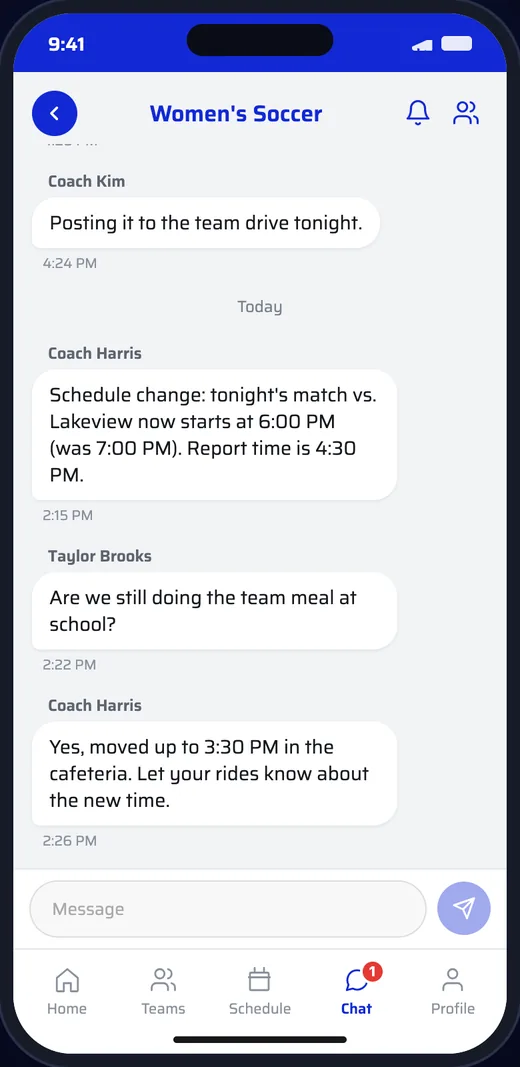
Women’s soccer team chat with a coach posting a schedule change
Coaches in charge

Coaches run the room.

Coaches are the chat’s admins. They see who is in it and keep the conversation on track.

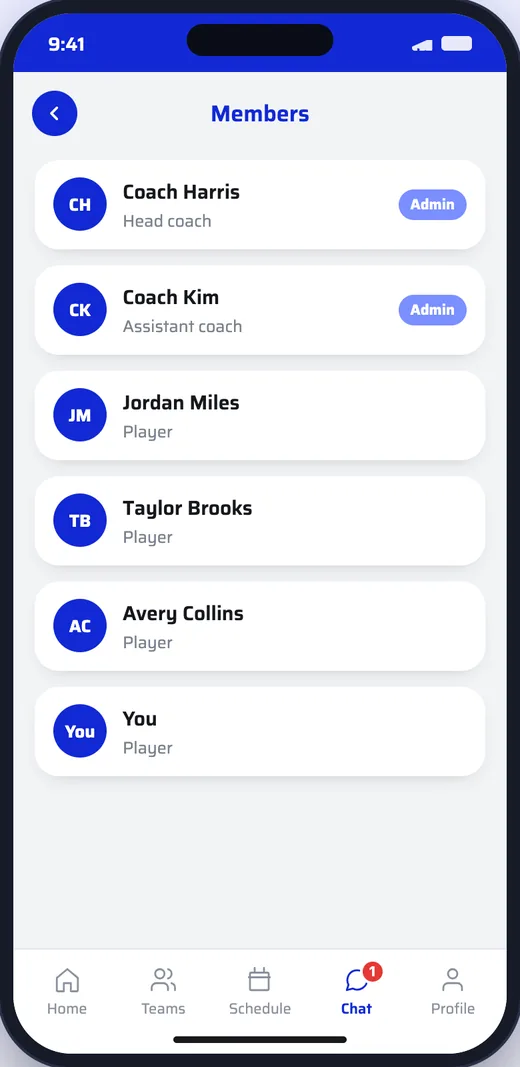
  • Members list with coaches marked as admins
  • Remove a reported message or dismiss the report
  • Chat can be switched off for the school at any time
Chat members list with two coaches as admins and players
Team messages

Messages that also go by email.

For the things nobody can miss, coaches post a team message to the whole team or a saved group. It arrives as a push, and can go by email too.

  • Saved groups, like parents only or varsity
  • Send now or schedule it, and cancel before it goes
  • Members can opt out of the emails
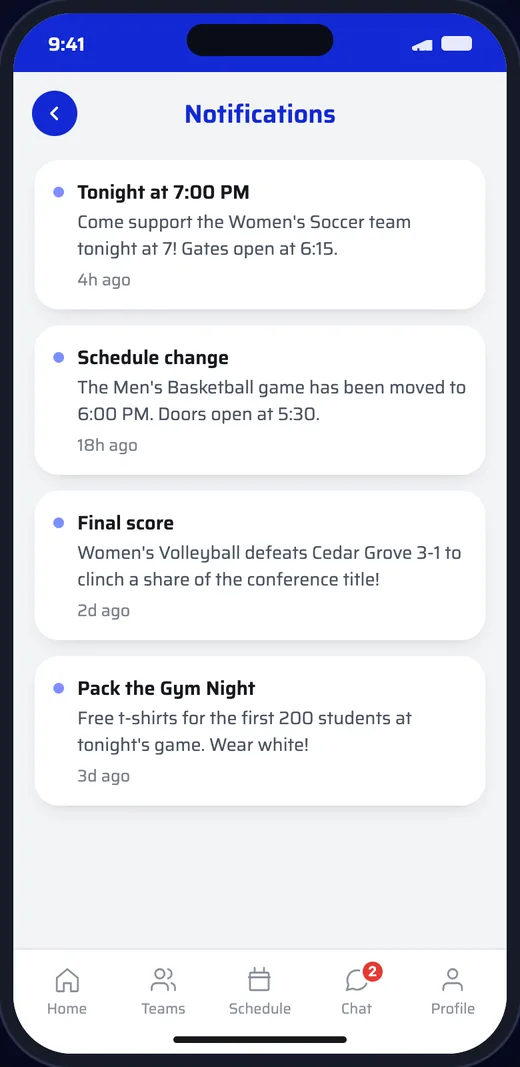
Messages arriving on a phone as notifications
Questions

Good to Know.

Can the athletic director see the chats?

Yes. The AD can open any team chat, and reported messages show up on the dashboard to remove or dismiss.

Do parents need the app?

For the chat, yes. Team messages can also go out by email, so nobody misses the important ones.

Can we turn chat off?

Yes. One switch on the dashboard turns team chat on or off for the whole school.

How do players and parents join?

Coaches invite them by email or text message from the team’s chat.

Get in Touch

See It With
Your School’s Name

Schedule a DemoEmail Us