FeaturesYour Own Fan App

Your Own Fan App

An iOS and Android app with your school’s name, colors and logo. Every team’s schedule, scores and roster in one place, and a home screen and notifications you run from the dashboard.

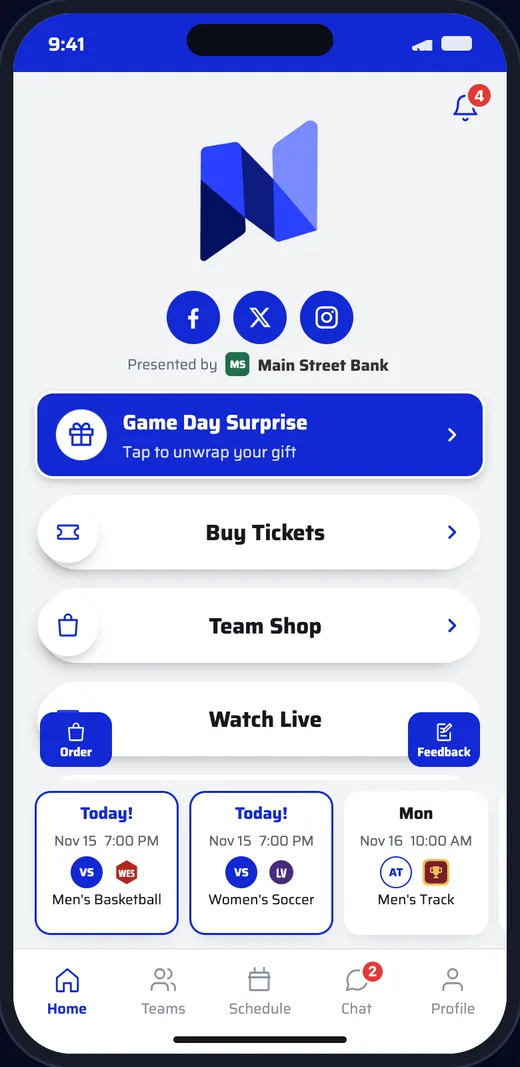
Fan app home screen with the school logo, sponsor, home buttons and this week’s games
How It Works
  1. 1

    We build and publish it

    Nivy builds the app with your name, colors and logo and releases it on the App Store and Google Play.

  2. 2

    You run it from the dashboard

    Home screen, teams, notifications and features are managed from the dashboard or the Nivy Pro app. No developers needed.

  3. 3

    Fans follow their teams

    Fans download it, pick the teams they follow and get schedules, scores and news as soon as you post them.

Home screen

Put what matters up front.

The home screen is yours to arrange. Change it on the dashboard and fans see it the next time they open the app.

  • Up to 12 buttons, each with its own icon: a web page, game programs or videos
  • Your social accounts and your “Presented by” sponsor at the top
  • Sponsor promos fans unwrap right on the home screen
  • This week’s games pinned along the bottom
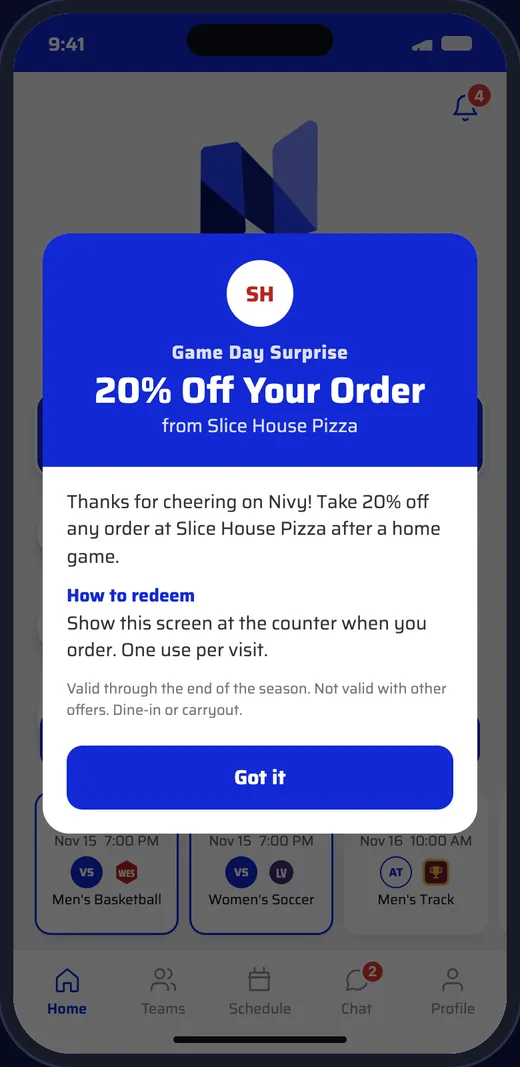
A sponsor promo opened on the home screen: 20% off at a local pizza shop
Teams

Every team, every level.

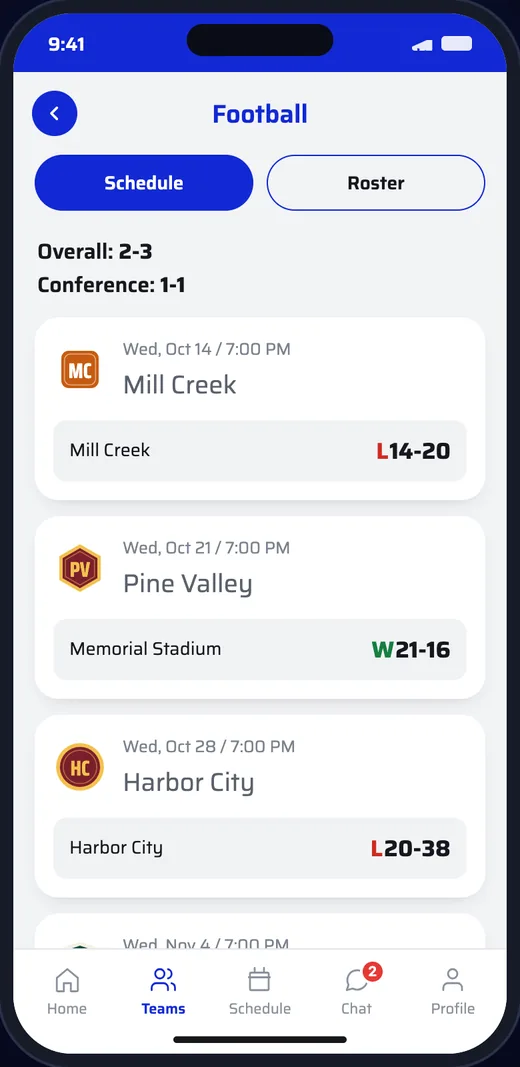
Each team has its own page with its schedule and roster. Results show the final score and the team’s record.

  • Men’s and women’s (boys’ and girls’) teams in one list
  • Overall and conference records on each team page
  • Team news for colleges
Football team page with a 2-3 record and final scores
Game day

Everything about the game in one tap.

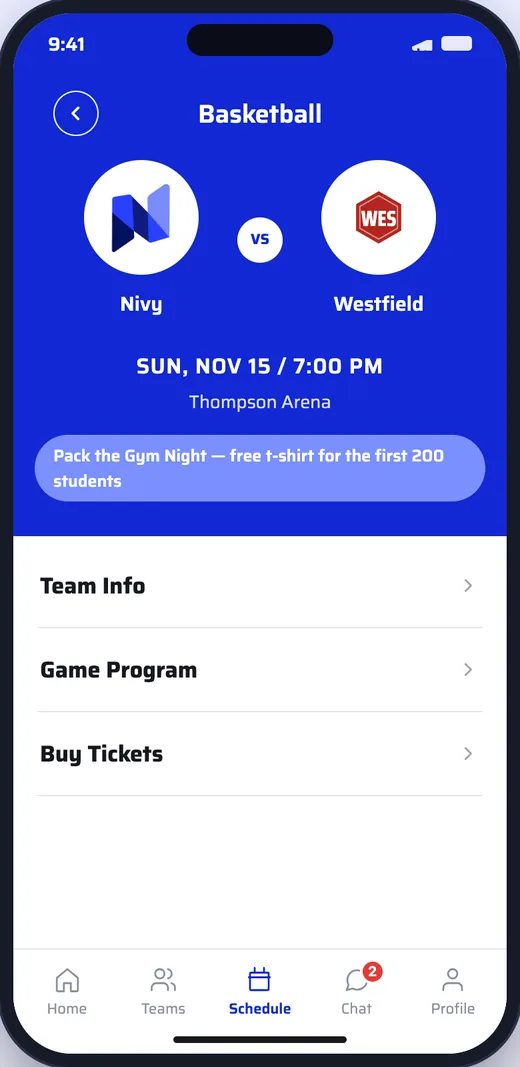
Each game opens to its own page with the time, the venue and everything fans need for that day.

  • Game programs, tickets and team info right on the game
  • Postponed, cancelled or TBA games update in the app as you change them
  • A schedule of every upcoming event across all teams
Game page for a basketball game with team info, game program and tickets
Push notifications

Reach every fan’s lock screen.

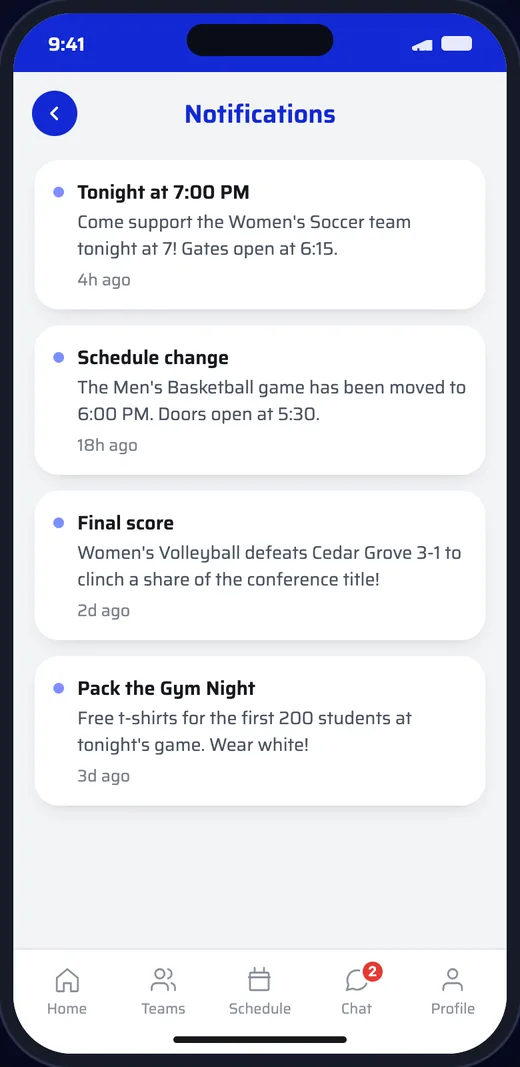
Write a message, pick who gets it and send it now or schedule it. Fans see it on their lock screen and in the app’s notification list.

  • Send to everyone, to fans of one team or to one type of fan
  • Schedule up to 30 days ahead and cancel before it goes out
  • A history of every push and who sent it
Notification list with game reminders and a schedule change
Questions

Good to Know.

Is the app really ours?

Yes. It is listed on the App Store and Google Play under your school’s name, with your colors and logo. Fans download your app, not a shared one where your school is one of thousands.

Do changes need a new version of the app?

No. Home screen buttons, teams and features are updated from the dashboard and show up the next time fans open the app.

Do fans have to sign up?

No. Fans can use the app straight away. If they add an email or phone number, they keep their points and orders when they get a new phone.

Who looks after app store releases?

Nivy does: builds, app store releases, hosting and support, so your staff can focus on athletics.

Get in Touch

See It With
Your School’s Name

Schedule a DemoEmail Us